Profile Set up
Last updated: April 23, 2025
Profile Set up
Set up your profile and contact details to show up correctly on your quotes.
Setting up your Profile
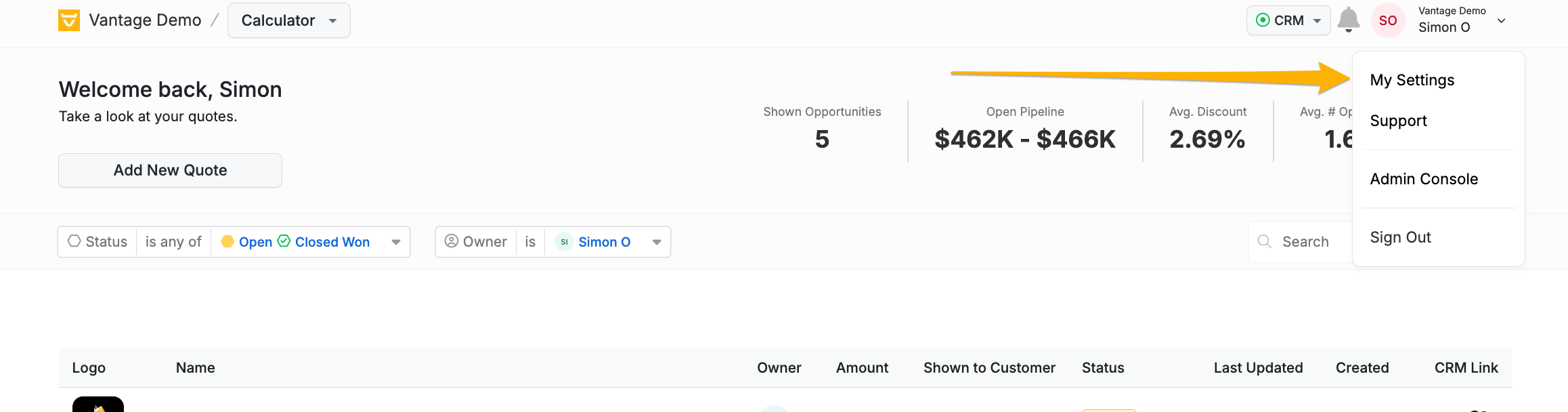
1. Access Profile Settings: Click on your profile icon in the top-right corner and select “Profile Settings.”
2. Enter Details: Fill in your personal information, such as your name, contact details, Job Title, and Phone Number.
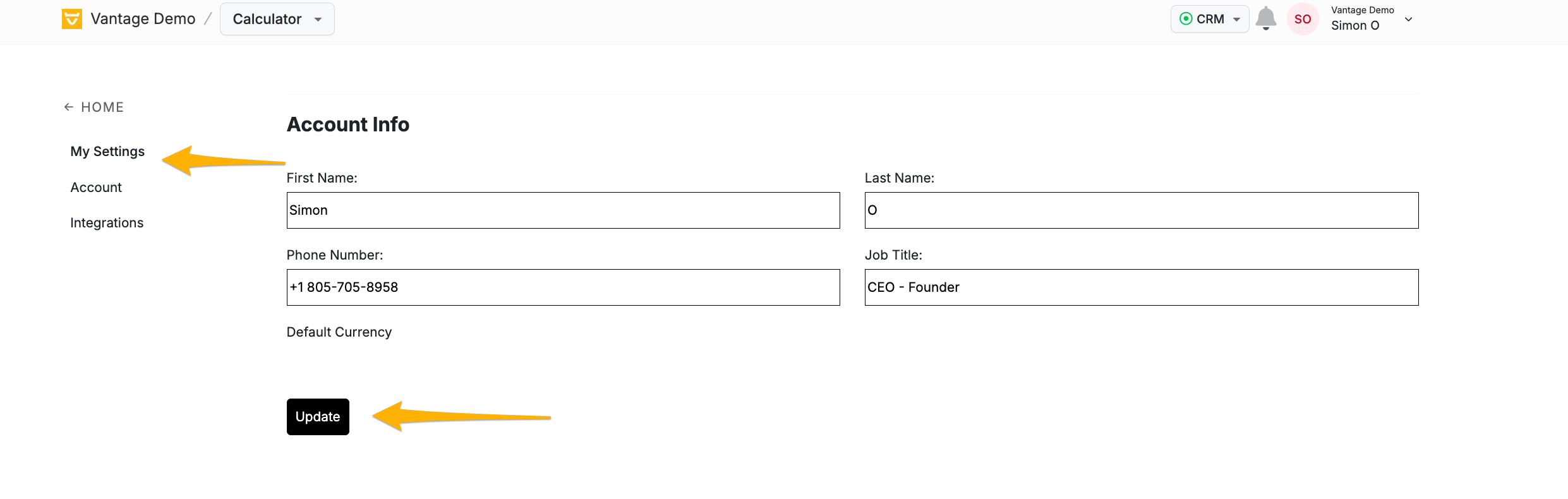
3. Save Changes: Click “Save” to update your profile.