Creating a Quote
Last updated: May 15, 2025
Creating a Quote
Create your first quote from scratch or sync it directly to an opportunity in your CRM.
Creating a Quote in Veles
Creating quotes is a crucial step in closing your deal effectively. Quotes in Veles help you accurately present pricing and track all previous versions presented to your prospect. In this guide, we’ll walk you through the process of creating your first quote, ensuring you can start managing your sales prospects with ease.
Step: 1 - Add new Quote
On the home page, click the "Add New Quote" button above the filtered table.
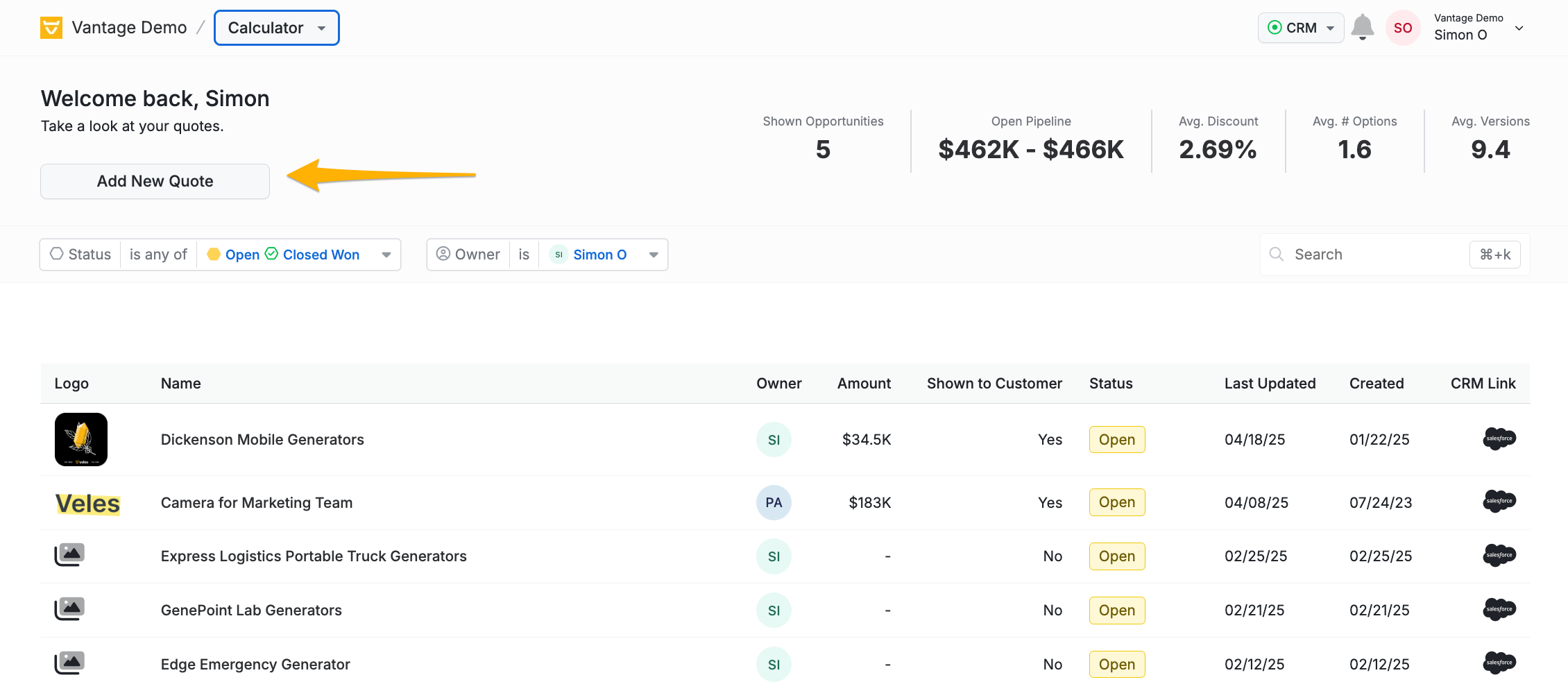
You have two options when adding a new Quote to your account.
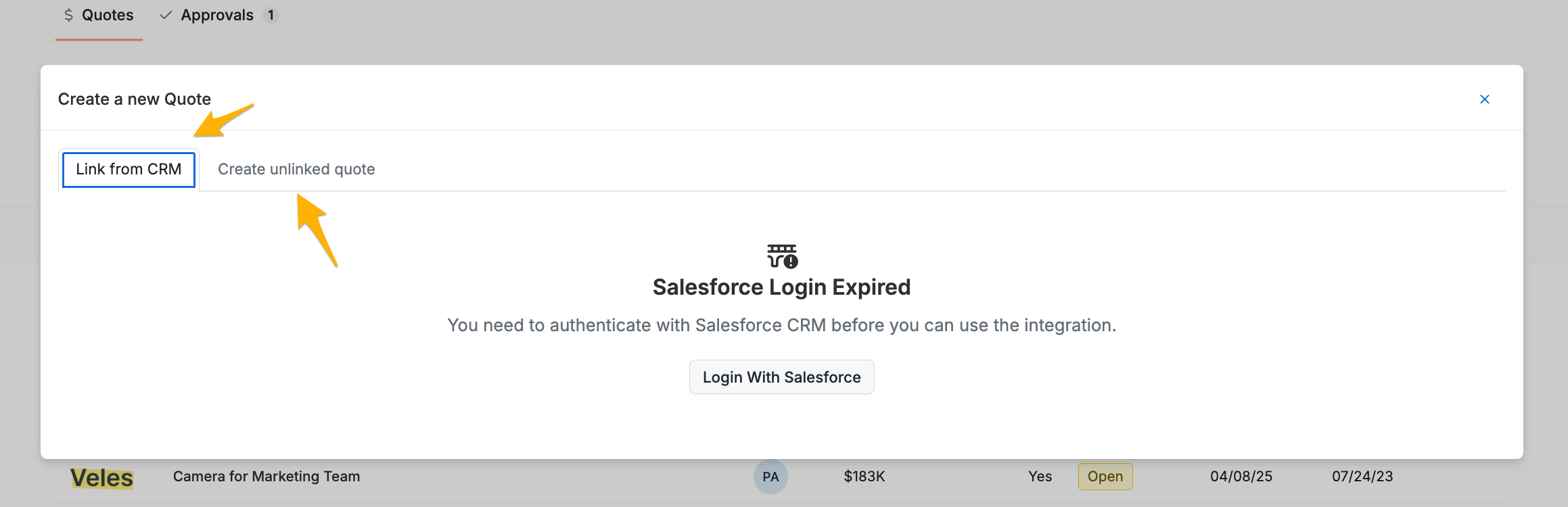
Option # 1: Sync directly to an opportunity in your CRM.
You will be redirected to the login page if you have not authenticated your CRM login.
Once you log in to authenticate the connection, you now see a view of all your active opportunities. You can filter to search by typing in the name of the opportunity or scroll through your list.
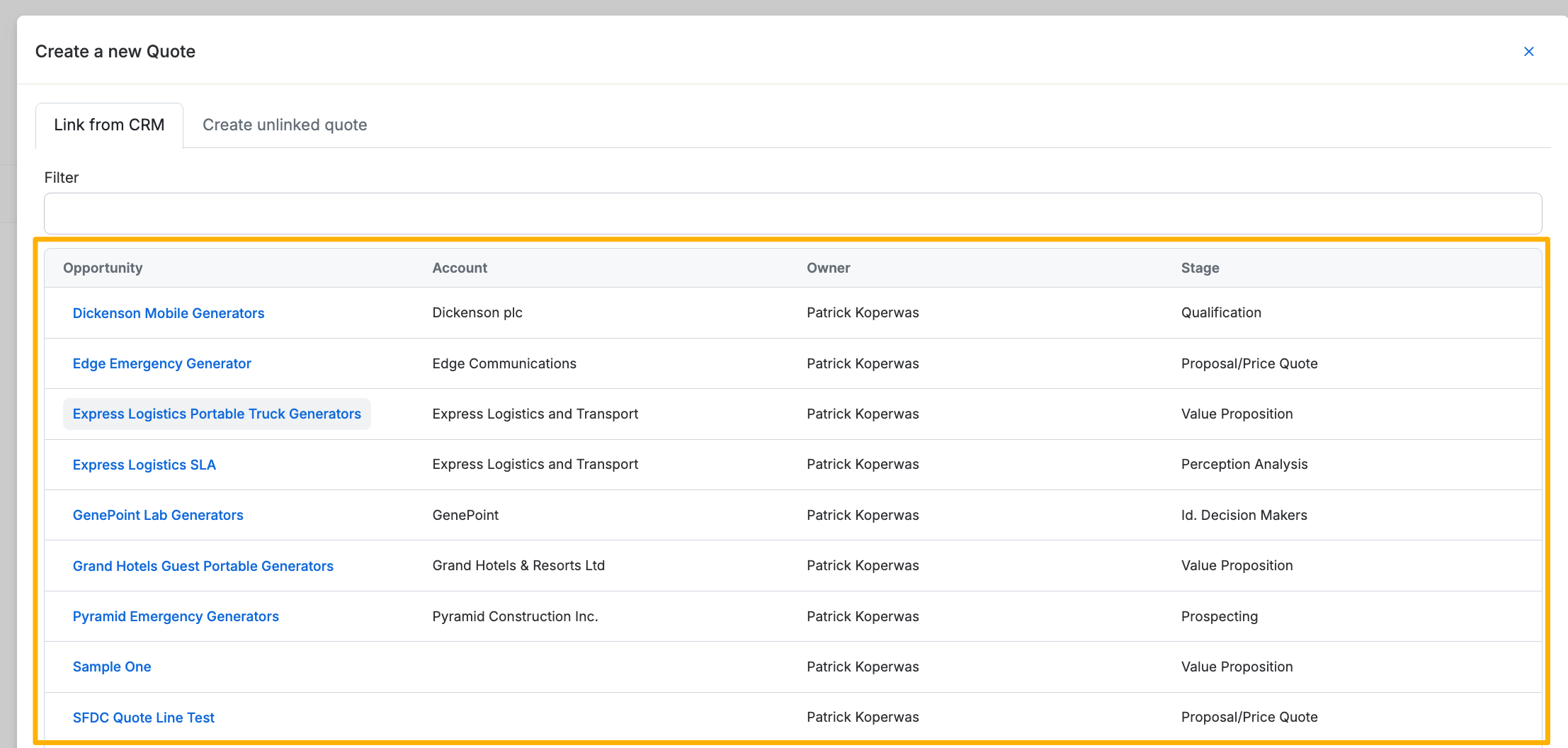
Clicking the opportunity will pull the opportunity into Veles and load the quote creation screen.
Option # 2: Create an unlinked quote
Click Create unlinked quote
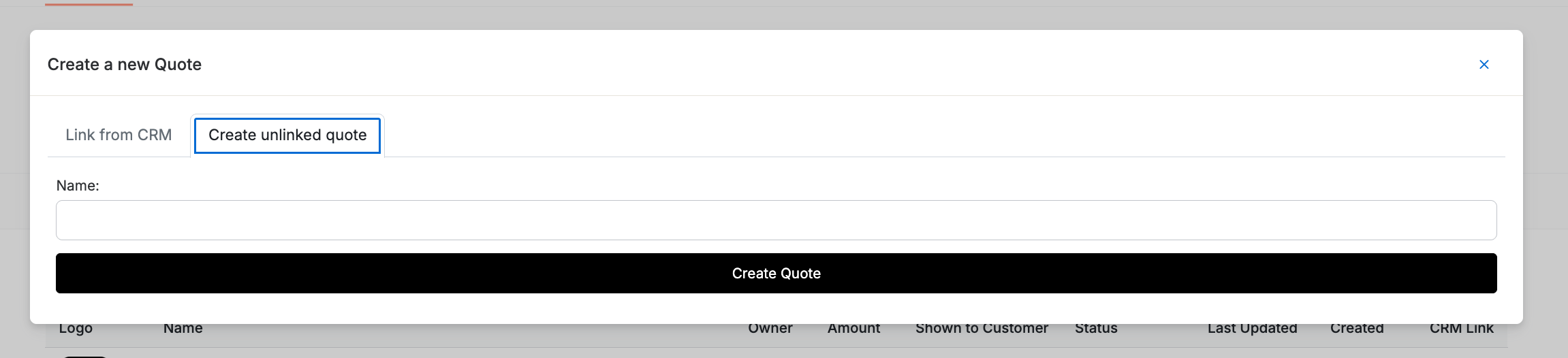
Enter the quote name and hit "Create Quote"