User Segments
Last updated: April 23, 2025
User Segments
Overview
Segments in Veles are simple tags that allow administrators to assign either products or users to specific segments. This feature is designed to limit what certain users can sell and enables the application of targeted strategies to specific segments without affecting the entire sales team.
Key Features
• Product Segmentation: Assign products to specific segments to control which products are available to different user groups.
• User Segmentation: Tag users with specific segments to restrict their access to certain products and apply targeted sales strategies.
• Targeted Strategies: Implement strategies and tactics for one or more segments without impacting the whole sales team, allowing for more customized and effective sales approaches.
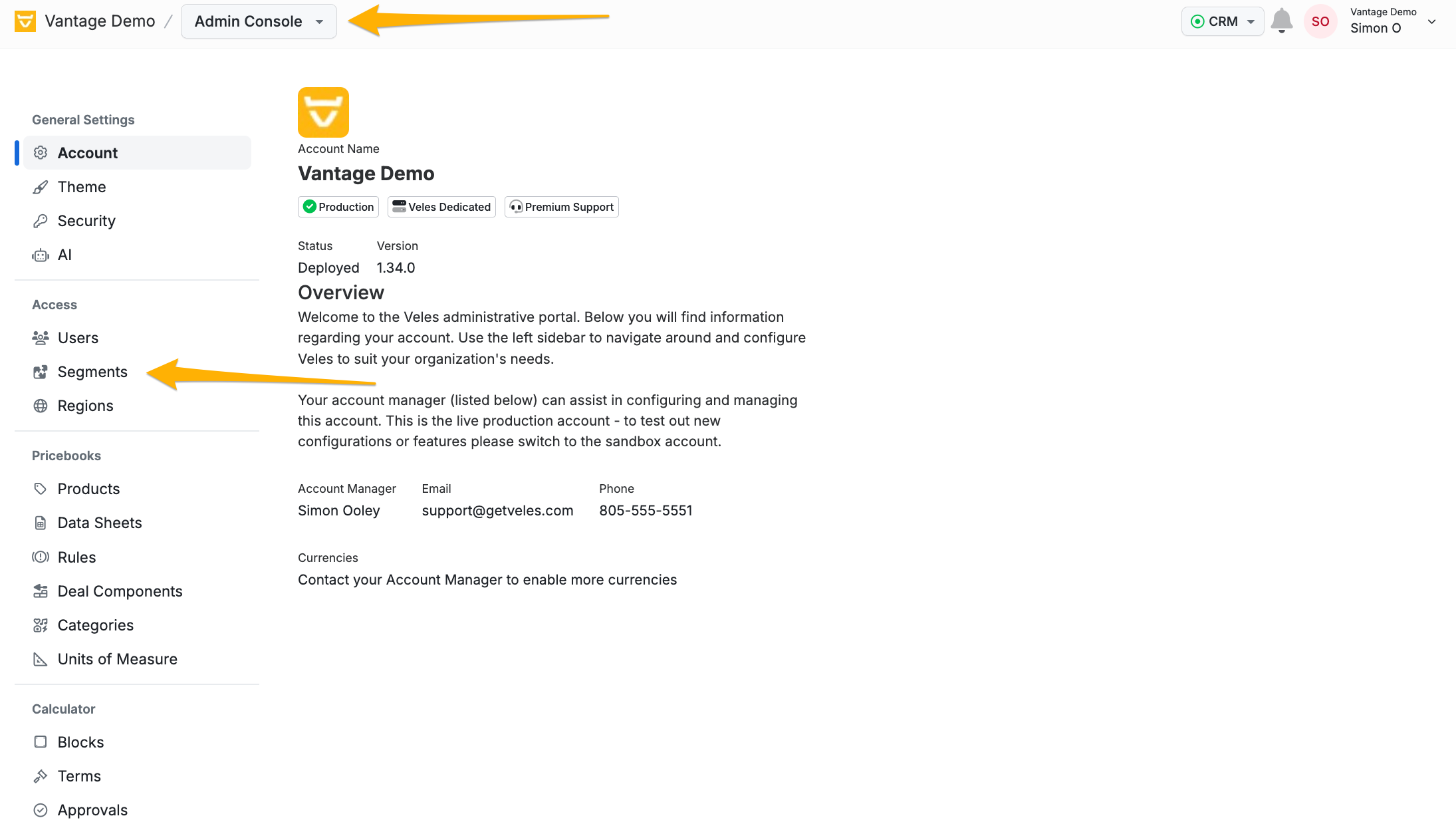
How to Use Segments
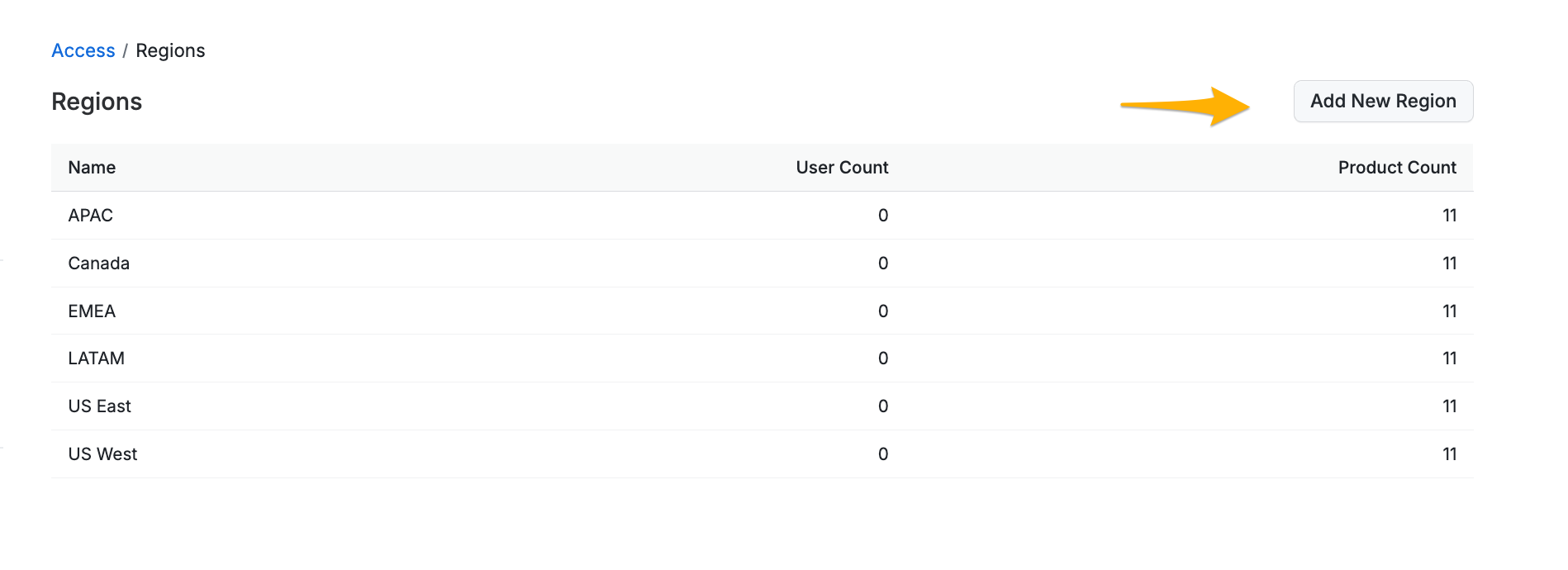
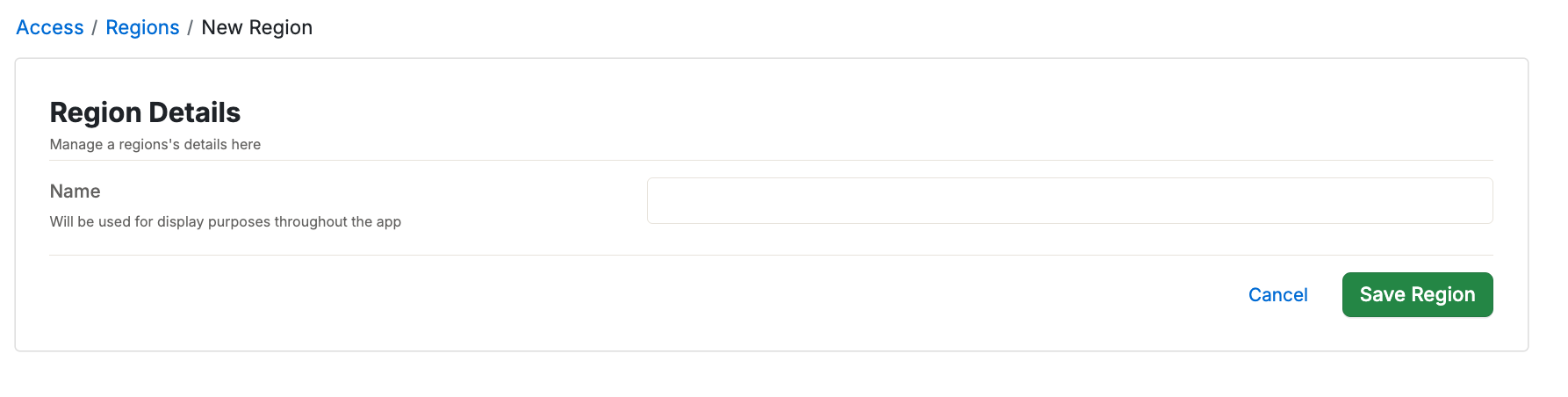
Segments operate as simple tags. All that is needed to create a new segment is a name.
Assign Products to a Segment
To assign a product a segment. Navigate to the Product edit page and select the segment or segments that the product will be available for. See more about Products here.
Assign Users to a Segment
To assign a user a segment. Navigate to the User edit page and select the segment or segments that the User have access to. See more about users here.
Best Practices
• Clear Naming Conventions: Use clear and descriptive names for segments to avoid confusion.
• Regular Review: Regularly review and update segments to ensure they reflect current sales strategies and team structures.
• Targeted Training: Provide targeted training and resources to users based on their assigned segments to maximize effectiveness.
Conclusion
Segments in Veles provide a powerful way to control product access and apply targeted sales strategies. By assigning products and users to specific segments, administrators can ensure that the right products are sold by the right people and that specific strategies are applied effectively.
For more details on managing users and regions, please refer to the User List and Regions support pages.
If you have any questions or need further assistance, please contact our support team.